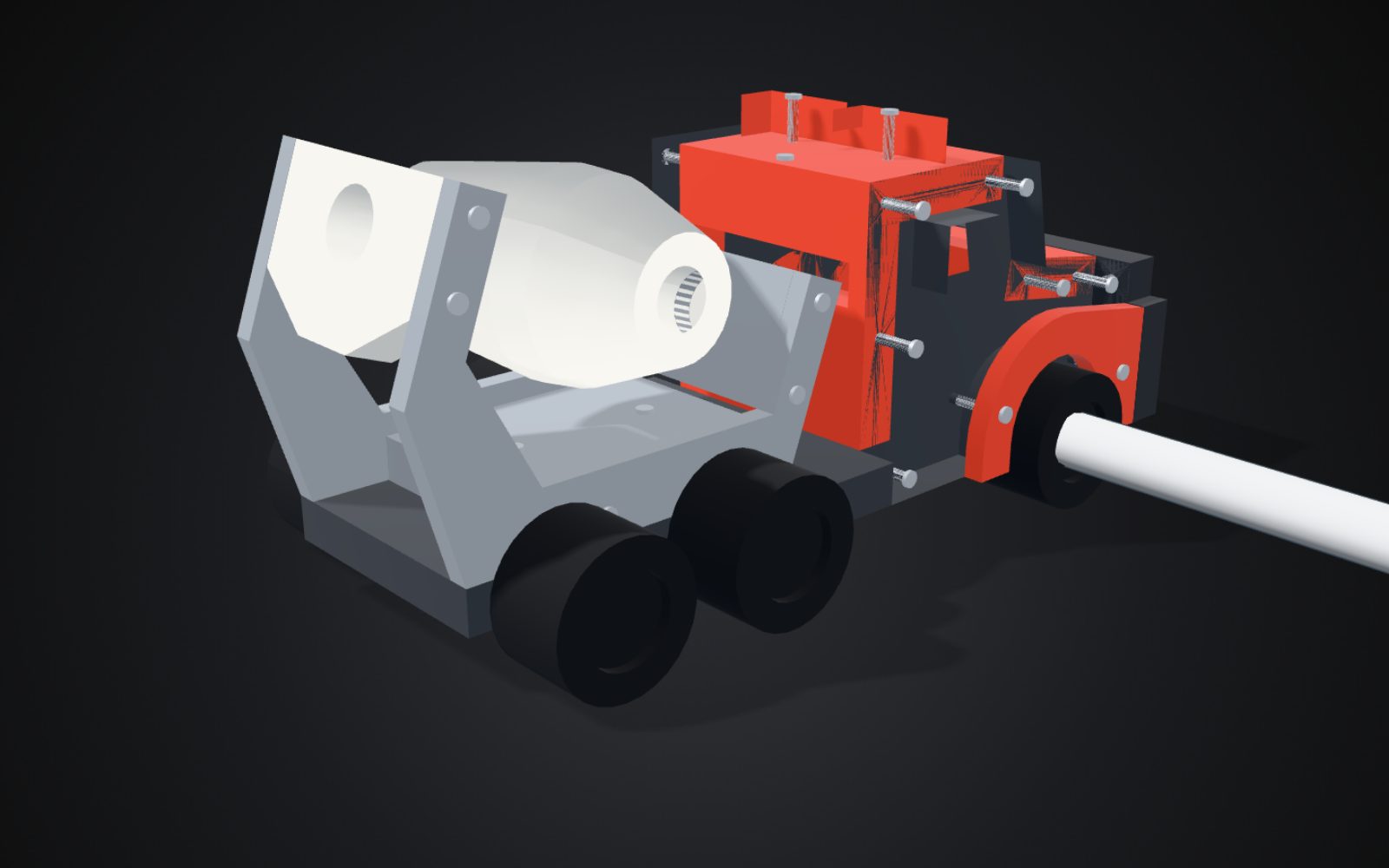
Each one started as a STEP file from an open CAD library. Labels, tools and warnings were added in Stepbook. Pick one and step through it.
{{exStepNo}}
{{exTitle}} · {{exStepNo}}
{{exStepTitle}}
{{exStepText}}
Warning. {{exWarn}}
Note. {{exNote}}
Tools for this step
{{t.n}}
Parts in this step
{{p.n}}{{p.q}}
Model: {{exSrcName}}, {{exLicence}}. Colours, labels, tools, warnings and steps were added in Stepbook.
The same steps, as a film.
The video editor plays every step in order and adds an opening title, a caption for each step, your logo, your own lines of text and a closing title. You watch it change as you type, then save the file.
The desk lamp from the examples above in the wide desktop shape, exported from the video editor with nothing added afterwards.The same guide in the tall mobile shape. One setting changed; the labels rearranged themselves.
Shapes
Wide 16:9 for desktop and screens on site, tall 9:16 for phones, square 1:1 and portrait 4:5 for feeds.
Sizes and formats
480p for messaging up to 1440p for large screens, saved as MP4 or WebM at 30 frames a second.
Titles and captions
Captions come from the step title, instruction and warning. Write your own for any step.
Logo and texts
Your logo in a corner and on the titles. Extra lines of text on every step or on one.
Motion that explains
Parts slide in, screw in, or swing clockwise or anticlockwise about a hinge line you click. The camera can zoom, pan or turn on any step.
Labels that keep clear
Labels and texts move off the model and off each other, in every shape, so each frame reads at a glance.
Upload a STEP file. Watch your product build itself.